

Direct answer: A lighting layout report is a sales document produced by the party that wants the order, and it deserves the same scrutiny as a quotation. Before accepting one, check seven things: that the photometric files match the fixtures actually quoted, that mounting heights match your building, that surface reflectances are stated, that the maintenance factor and its inputs are disclosed, that uniformity is calculated at the right plane, that spacing claims hold at your geometry, and that the compliance table cites a real standard with real values.
Reports generated in Dialux evo or AGi32 can model any truth you feed them. The software is rarely the problem; the inputs are. Here is what experienced buyers verify before a layout becomes a purchase order.
| # | Check | What good looks like |
|---|---|---|
| 1 | Photometric files | IES/EULUMDAT per quoted SKU, with test lab and date metadata |
| 2 | Mounting height | Matches the real clear height, obstructions modelled |
| 3 | Reflectances | Stated, not defaulted to 0.7 / 0.5 / 0.2 blindly |
| 4 | Maintenance factor | MF with disclosed LLM, dirt and failure inputs |
| 5 | Uniformity plane | Uo calculated on the task plane, task row matched to use |
| 6 | Spacing logic | S/MH and beam coverage hold at your geometry |
| 7 | Compliance table | Named standard, edition, task and calculation plane |
The report is written by the vendor, so treat it as a claim
Whoever produced the layout chose the fixtures, the file versions, the reflectances and the maintenance assumptions. Most of those choices are invisible in the PDF summary page, which is what most buyers read. The summary shows average lux and a green compliance column; the assumptions sit pages deeper, in the project settings and the fixture schedule.
The asymmetry is worth naming. If the assumptions flatter the proposal – brighter reflectances, optimistic maintenance, generous uniformity – the error surfaces after installation, when the crew measures 40% less than promised and nobody can reproduce the original file. Verifying seven inputs up front costs an hour. Re-lighting a warehouse costs a season.
Check the photometric files are real, current and quoted
Every luminaire in the layout should trace to a specific photometric file – IES (LM-63 format) or EULUMDAT – and that file should belong to the exact model, wattage, beam angle and CCT being quoted. The most common mismatch in vendor layouts is the “family” trick: the layout uses the photometry of the flagship version while the quotation prices the value version, which may differ by 10% in output or a whole beam angle.
Ask for the actual files and open them. An IES file carries test metadata blocks – test laboratory, test date, issue date – and those should correspond to a real LM-79 test of the quoted model. A file whose issue date predates the product, or whose manufacturer block is empty, deserves a question. If a fixture is new and the photometry was generated by simulation rather than measurement, the vendor should say so plainly. Our guide on how to validate an LM-79 report and IES file walks through the metadata in detail.
Mounting height and fixture positions must match the building
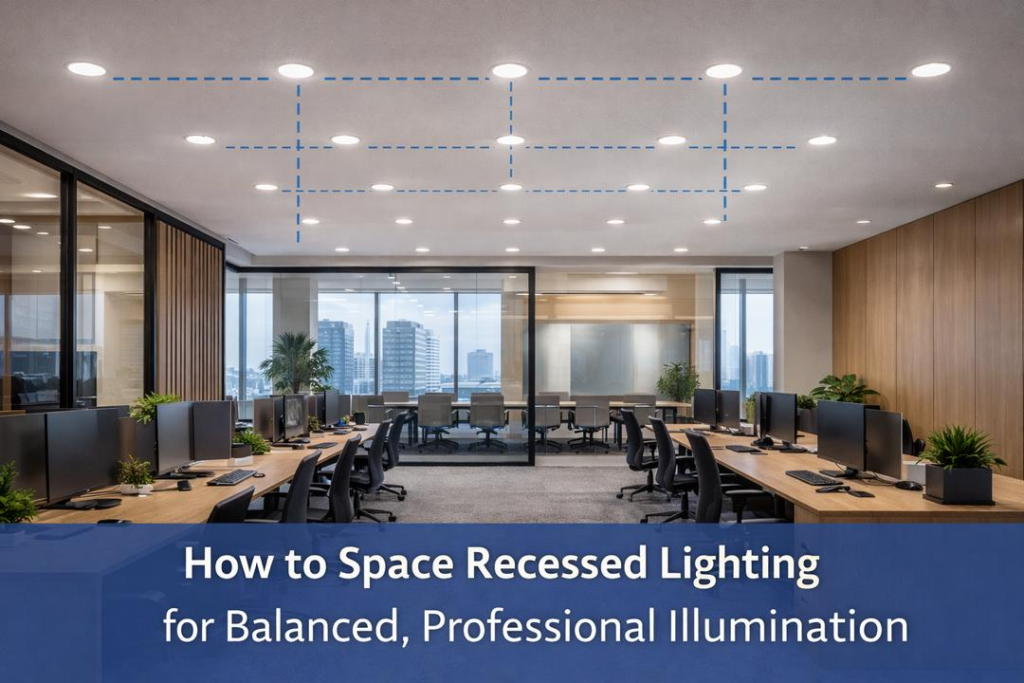
A layout calculated at 8 metres will not deliver its numbers at 12. Height changes both the illuminance and the spacing logic, so the first check on any plan view is whether the mounting height on the drawing matches your building’s actual clear height – and whether obstructions are modelled. Racking, ducting, cranes and ceiling fans all steal light and create shadows that an empty-box model will never show.
Positions matter as much as height. Fixtures placed in a perfect grid that ignores rack aisles produce beautiful uniformity numbers and poor aisle lighting. If your racking layout exists, it should appear in the model. Ask the vendor to overlay the fixture positions on your racking plan – if they cannot, they have not modelled your building.
Reflectances: the default 70/50/20 and when it is a lie
Most layout software defaults to reference reflectances of 0.7 for the ceiling, 0.5 for the walls and 0.2 for the floor, in line with the reference surfaces used in EN 12464-1. Those defaults describe a clean, white room. A warehouse with dark-blue sandwich panels, grey racking and a dusty concrete floor reflects far less, and inter-reflected light is a meaningful share of total illuminance in lower-mounted applications.
Reflectance assumptions should be stated on the report. If they are not, ask. In halls with dark walls the honest model uses lower values and compensates with more luminaires – which costs more, which is precisely why the assumption tends to stay hidden.
The maintenance factor: one number, three inputs
The maintenance factor (MF) scales the calculation from day one to the maintenance cycle: a design target divided by MF gives the initial installed level. A typical MF of 0.8 means the system is designed to still deliver the standard’s lux at end of the cleaning cycle. The number is an input, not a constant – and its components are what a buyer should interrogate:
- Lumen maintenance (LLM). The LED’s maintained output at the design horizon. Here the source data matters: an L80 claim should trace to LM-80 data projected per TM-21, whose method caps projection at six times the test duration – so a 50,000-hour claim needs at least roughly 8,300 hours of actual LM-80 data behind it.
- Luminaire dirt depreciation (LMF). Depends on the environment’s pollution class and the cleaning interval. A foundry and a food plant at the same lux target do not share an MF.
- Failure and surface factors. Whether the design assumes spot replacement, and how room surface degradation is handled, should be stated.
A report that shows “MF = 0.80” with no derivation has told you the conclusion and hidden the reasoning. Our article on lumen depreciation and maintenance factors covers how those inputs behave over time.

Average, minimum and uniformity: read the right rows
Compliance tables usually report Em (average), Emin and Uo (uniformity, the ratio of minimum to average illuminance). The classic reading error is checking only the average. Standards set uniformity minimums because an average can be met with a layout that leaves half the area underlit – a warehouse row lit to 400 lux beside a row at 60 lux can still average comfortably.
EN 12464-1:2021 makes the point concrete for storage areas, and it is the table most European warehouse layouts are judged against:
| Area / task (EN 12464-1:2021) | Em | Uo (Emin/Em) | Notes |
|---|---|---|---|
| Storage areas (no personnel work) | 100 lx | 0.40 | Horizontal plane at floor |
| Aisles with occasional pedestrian traffic | 150 lx | 0.40 | Applies to occupied aisles |
| Picking, packing, order preparation | 300 lx | 0.60 | Tighter uniformity – watch this row |
| Faces of shelving (vertical) | 200 lx | 0.40 | Vertical plane – often missing from reports |
| Quality inspection at benches | 750 lx | 0.70 | Local task lighting commonly needed |
Two traps hide in this table. First, the plane: shelf-face requirements are vertical, and a horizontal-plane calculation says nothing about them – with narrow-beam high bays, vertical shelf illumination can miss badly even when the floor reads fine. Second, the task row: if your crew picks orders 6 hours a day, the 300 lux / Uo 0.60 line governs, not the 100 lux storage line. Vendors default to the most forgiving row.
Spacing claims: run the coverage math yourself
Manufacturers quote a spacing-to-mounting-height ratio (S/MH) as a quick indicator of how far apart fixtures can sit while keeping acceptable uniformity. Typical ranges run from about 0.8 to 1.0 for narrower 60-degree distributions, 1.0 to 1.3 for 90 degrees, and 1.3 to 1.5 for wide 120-degree optics – but the honest check is geometric, not categorical: the coverage diameter of a symmetrical beam at a plane is roughly twice the mounting height times the tangent of half the beam angle, D = 2 x MH x tan(theta/2), using the beam angle convention of half peak intensity.
Run that number for the quoted optic and compare with the layout’s spacing. If fixtures sit at 1.6 x MH with a 60-degree optic, uniformity in the aisles will sag between poles regardless of what the summary page says – because the ratio only holds for the grid the manufacturer tested or simulated, on the reflectances they assumed, at the maintenance state they chose.
The compliance table: which standard, which edition, which plane
A compliance line that says “meets requirements” without naming the standard, the edition and the task is decorative. Ask the report to show, per area, the standard referenced (EN 12464-1:2021 in Europe, the relevant IES recommended practice in North America), the task defined, the calculated values and the plane of calculation. The gap between editions matters: EN 12464-1:2021 raised several requirements relative to the 2011 edition, so a layout validated against the old edition can fail today’s.
The cheapest negotiation tool in lighting procurement is a second, independent layout. Give the same room dimensions, the same standard rows and the same MF policy to a competing supplier – or an independent designer for a few hundred dollars – and diff the two reports. Disagreements concentrate exactly at the assumptions this article lists, which is precisely where you want the conversation before the order, not after the install.
Frequently asked questions
Is a Dialux layout less trustworthy than AGi32?
No. Both are professional calculation engines and both produce results that are only as good as their inputs. AGi32 is more common in North American practice and handles some geometry and daylight workflows differently, but a careful Dialux model beats a careless AGi32 model in every case. Judge the inputs, not the logo.
What uniformity value should I insist on in a warehouse?
Match the task, not the vendor’s summary. For storage without personnel work, Uo of 0.40 at floor level suffices; for picking and packing areas, EN 12464-1:2021 sets Uo at 0.60 on the task plane, and 0.70 at inspection benches. Insisting on 0.6 everywhere over-lightens storage rows and wastes energy.
The report looks great – should I still ask for the IES files?
Yes, always. The files let you confirm that the photometry belongs to the quoted model, check the test date and laboratory, and re-run the layout independently. A vendor who hesitates to hand over photometry is telling you something about the photometry.
My supplier’s layout assumes 0.8 maintenance factor. Is that safe?
It is typical, and typical is not a spec. Accept 0.8 only when its inputs match your reality: your dirt environment, your cleaning interval, and LEDs with LM-80 data deep enough to support the maintained-output claim at your design horizon. In dirty environments or long cycles, the honest MF is lower – and the fixture count higher.
Can I reuse the old layout after switching to LED high bays?
Only with a recalculation. LED distributions, mounting positions and maintenance behaviour differ from the HID systems most legacy layouts were drawn for. Reusing old grid positions without a new model usually means over-lighting directly under fixtures and under-lighting between them – the exact uniformity failure the compliance table was meant to prevent.
