
Color Temperature and CRI: The Specifier’s Practical Guide to LED Selection
Why Half Your Lighting Projects Look Wrong
You’ve seen it: the pristine white tile in the hotel bathroom that photographs yellow. The fresh produce that looks wilted under display lights. The office that feels clinical and cold despite being professionally designed.
Nine times out of ten, the problem is mismatched color temperature, CRI, or both. These specifications aren’t marketing fluff—they directly affect how spaces feel and how accurately colors render.
After 15 years reviewing photometric reports and arguing with designers about “warm white vs. daylight,” here’s the practical breakdown.
Color Temperature: Beyond the Kelvin Number
The Basics
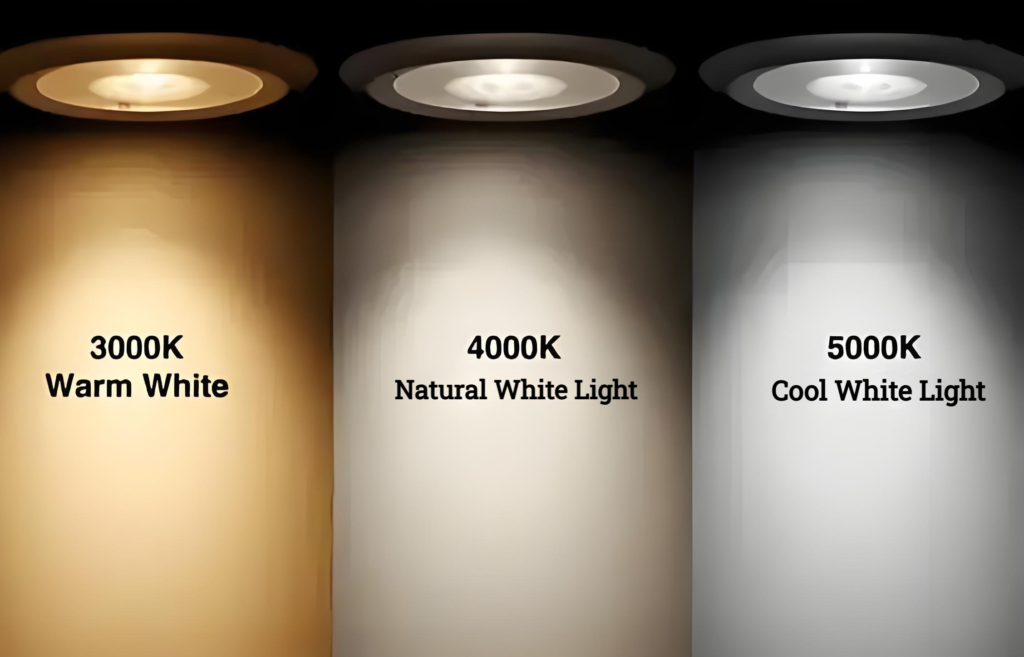
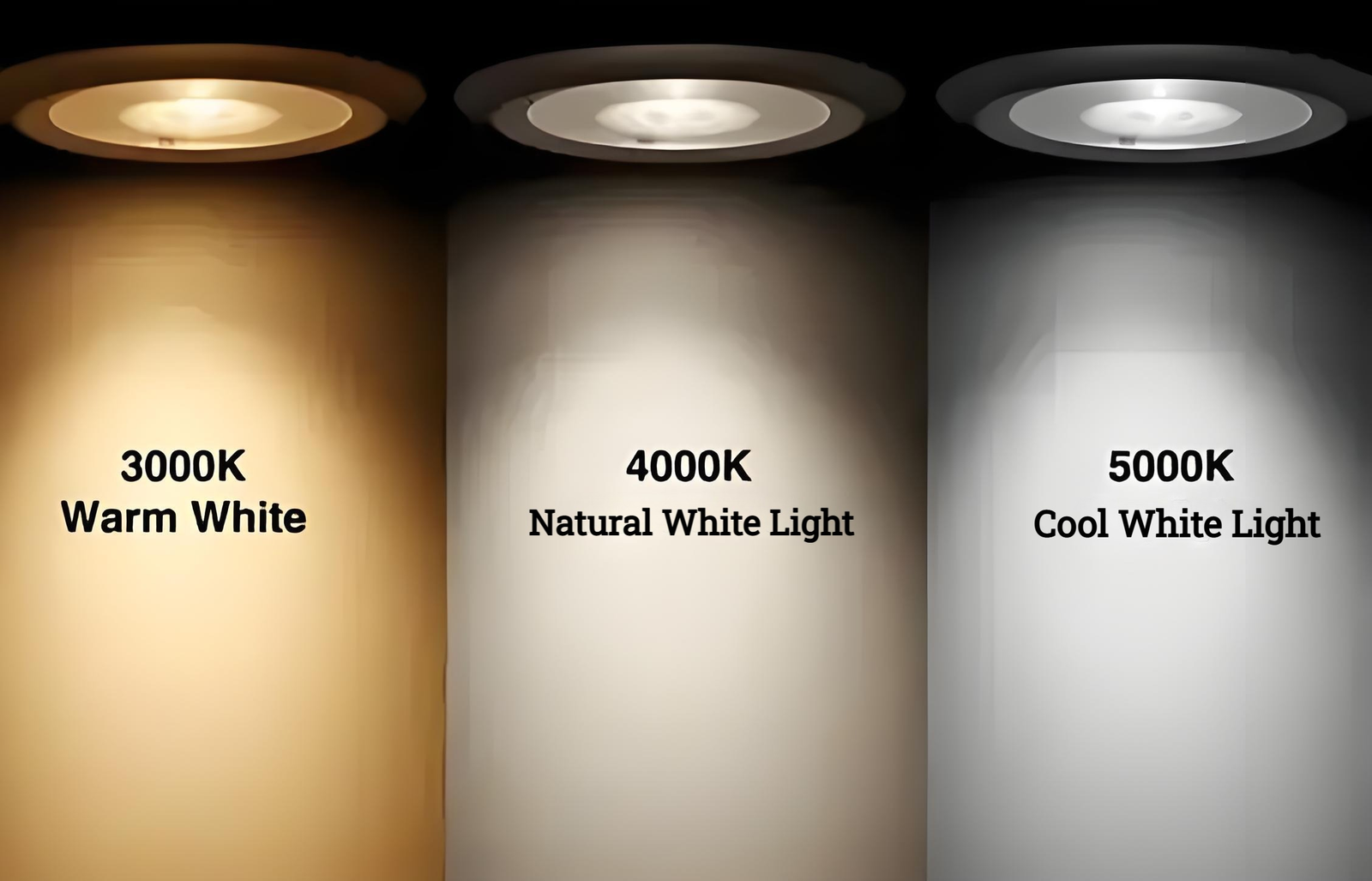
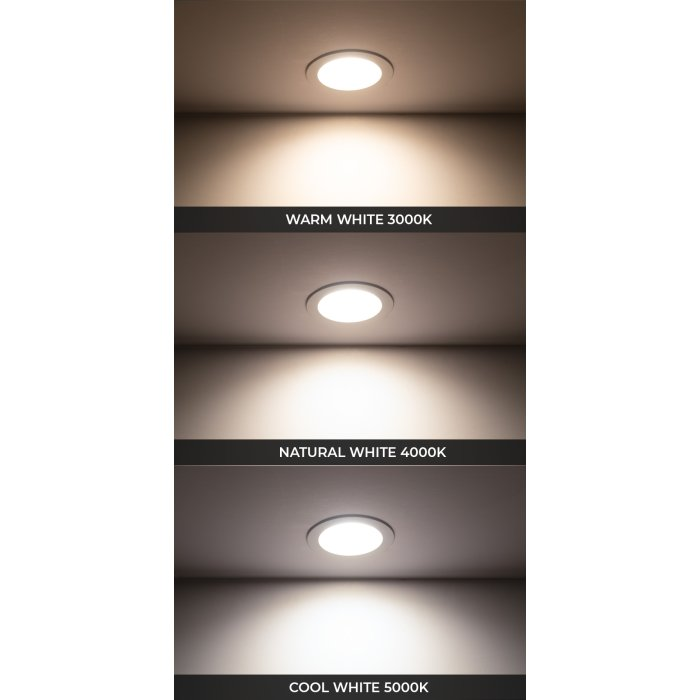
Color temperature, measured in Kelvin (K), describes the apparent warmth or coolness of a light source. Higher numbers are cooler (bluer); lower numbers are warmer (yellower).
| Temperature | Kelvin | Common Application |
|---|---|---|
| Warm White | 2700K-3000K | Residential, hospitality, cozy restaurants |
| Neutral White | 3500K-4000K | Offices, retail, general commercial |
| Cool White | 4500K-5000K | Task lighting, garages, clinical spaces |
| Daylight | 5500K-6500K | Art studios, photography, industrial |
The 3000K Trap
3000K is the most popular “warm white” temperature for commercial projects. It’s comfortable, versatile, and generally safe. It’s also frequently misused.
Where 3000K works: Hotels, restaurants, lobbies, residential-adjacent healthcare spaces, heritage buildings.
Where 3000K fails:
– Task-oriented retail (jewelry, cosmetics, fashion)
– Color-critical manufacturing or quality control
– Display lighting where daylight matching matters
– Spaces with significant daylight contribution (creates conflict)
Mixing Temperatures: When It Works
Intentional mixing of color temperatures can create visual interest. Common successful approaches:
Layered approach: 3000K ambient in corridors, 4000K task lighting at workstations. Creates subtle hierarchy.
Daylight matching: Tunable white systems that track natural daylight (getting bluer during the day, warmer in evening) for circadian-aware buildings.
Accent drama: Warmer key lights with cooler fill in retail creates depth and draws attention.
But random mixing without intent looks like a mistake. Know why you’re doing it.
CRI: What the Number Actually Measures
Understanding the Ra Index
CRI (Color Rendering Index) measures how accurately a light source renders colors compared to a reference illuminant. The Ra value is the average score across 8 standard test colors.
Ra 80: Minimum for most commercial applications. Everything above this is a premium.
Ra 90-95: Excellent color rendering. Required for retail, healthcare, photography.
Ra 95+: Near-perfect rendering. Art galleries, high-end hospitality, color-critical manufacturing.
The R9 Problem
Here’s where standard CRI gets misleading. Ra averages 8 colors, but R9 (deep saturated red) is often missing or poorly weighted.
R9 matters enormously for:
– Skin tones (looks healthy under high R9 lighting)
– Red merchandise (textiles, food, signage)
– Medical and dental applications
– Any space where warm reds are present
A fixture with Ra 90 but R9 < 50 will make reds look muted and washed out. Ask suppliers for R9 values.
TM-30: The More Honest Metric
CRI was developed in the 1960s with 8 test colors. TM-30 (Illuminating Engineering Society publication) uses 99 samples and provides:
– Rf (Fidelity Index): Modern replacement for CRI
– Rg (Gamut Index): Measures saturation deviation
For accurate specification, request both CRI (Ra, R9) and TM-30 (Rf, Rg) data.
Application-Specific Recommendations
Retail Lighting
| Application | Temperature | CRI | Notes |
|---|---|---|---|
| Fashion (clothing) | 4000K | Ra 95+, R9 > 80 | Daylight matching important |
| Cosmetics | 3500-4000K | Ra 95+ | Skin rendering critical |
| Groceries | 4000-5000K | Ra 90+ | Food appearance |
| Jewelry | 5000-6500K | Ra 95+ | Diamond sparkle, metal finish |
| Electronics | 5000K | Ra 90+ | Screen and product matching |
Healthcare
- Patient rooms: 3000K ambient, tunable preferred
- Examination areas: 4000-5000K, Ra 90+ (accurate tissue assessment)
- Surgical suites: 5000K, Ra 95+, uniform without shadows
- Senior care: Warmer temperatures often preferred (age-related vision changes)
Industrial/Manufacturing
- General warehouse: 4000-5000K (safety and visibility)
- Quality control: 5000-6500K, Ra 90+, high R9 values
- Cold storage: 5000K (counteracts blue-shifted perception at low temps)
- Food processing: 4000-5000K, Ra 90+, moisture-rated fixtures
The LED Binning Issue
Here’s a technical detail most specifiers ignore: LEDs of the same model and color temperature can vary significantly in actual output.
LED manufacturers sort (bin) LEDs by:
– Forward voltage
– Luminous flux (brightness)
– Color temperature
– Color consistency (macAdam ellipse)
Quality suppliers bin to tight tolerances—typically within 3-step macAdam ellipses. Budget suppliers may allow 5-7 step variation, which means fixtures of the “same” color temperature can look noticeably different.
Always request: Binning specification, color consistency data, and sample verification before large orders.
Practical Specification Checklist
When ordering LED luminaires, specify:
- Color temperature with tolerance: “3000K ±150K” or tighter
- CRI minimum: “Ra ≥ 90” as a minimum threshold
- R9 value: Required for skin/red rendering applications
- TM-30 data: Request if available, specify Rf ≥ 85 if using TM-30
- Binning specification: MacAdam ellipse tolerance (3-step preferred)
- Photometric report: Independent lab verification (LM-79 reports)
- Sample verification: Always approve samples before production orders
The Dim-to-Warm Consideration
Traditional incandescent sources get warmer when dimmed (2000K at low output), which feels natural. Standard LEDs maintain their rated color temperature when dimmed, which many people find unsettling.
Dim-to-warm LEDs: Gradually shift to warmer temperatures when dimmed (3000K → 2200K). Significant premium (30-50%) but essential for hospitality applications where dimmed ambiance matters.
Warm-tune dimming: Similar concept, typically shifts 3000K to 2700K at minimum output.
Not required for task lighting, but for any space where dimming creates atmosphere, specify this feature.
LED Degradation Reality
LEDs don’t burn out suddenly—they lose output over time. Color temperature can also shift slightly as phosphors degrade.
L70 rating: The point at which LEDs produce 70% of initial output. Typically 50,000-100,000 hours for quality LEDs.
For commercial projects, plan for 10-20% output degradation over the fixture lifetime. If you need maintained illumination over 10 years, specify initial output 15% higher than minimum requirements.
Bottom Line
Color temperature and CRI specifications aren’t optional extras—they’re fundamental to whether your lighting works.
Get them right: Spaces feel appropriate, merchandise sells, people perform tasks accurately.
Get them wrong: Expensive retrofits, client complaints, “why does everything look wrong” calls at midnight.
The extra cost of high-CRI, properly binned LEDs from a quality supplier is almost always less than the cost of wrong specification.
Photometric data and IES files for YoubeeLight’s commercial luminaire range are available in our technical library at /led-catalog/.
The Reality of Color-Shift Over Time
LEDs age, and color temperature can shift as they do.
Standard LEDs: Typically shift 100-200K warmer over 25,000-50,000 hours. A 4000K fixture might read 3850K after five years.
Premium LEDs with tight binning: Less shift, often under 100K over rated lifetime.
Phosphor-converted LEDs: The phosphor layer can degrade, causing color shift toward blue (cooler) or losing certain wavelengths.
For long-term projects (hotels, healthcare facilities), specify LEDs with documented color maintenance. Request LM-80 test data showing color shift over 6,000 hours minimum.
Voltage and Driver Effects
The LED driver affects more than just power delivery—it influences color performance.
Current modulation: Drivers with high-frequency PWM dimming can cause visible flicker at certain dimming levels, which can also affect perceived color temperature.
Driver aging: As drivers age, they may deliver slightly different current, causing output reduction and possible color shift.
Quality drivers from brands like Mean Well, Inventronics, or Tridonic maintain stable output over their rated lifetime. Generic drivers often fail earlier with greater performance degradation.
When to Specify Custom Color Temperatures
Most projects use standard 3000K, 4000K, or 5000K. But there’s growing demand for:
Tunable white (2-channel): Separate warm and cool LED arrays, adjustable from 2700K to 6500K. Enables circadian tuning, daylight matching, or scene-setting. Premium cost, requires compatible controls.
RGBW fixtures: White plus color mixing for accent lighting. Not for general illumination—color rendering suffers.
2700K “filament LED”: Popular for vintage/hospitality aesthetics. Often uses lower-CRI phosphor blends—verify Ra values if color accuracy matters.
Custom binning: For large projects (1,000+ fixtures), custom binning ensures perfect color consistency. MOQ typically 500-1000 units with 8-12 week lead time.
The Specification Template That Works
Copy this for your purchase specifications:
Color Temperature: [3000K / 4000K / 5000K] ±150K

CRI (Ra): Minimum [80 / 90 / 95]

R9: Minimum [50 / 80 / 90]

Binning Tolerance: MacAdam [3 / 5] step maximum

Photometric Report: LM-79 from accredited lab

Color Maintenance: TM-21 projected data for L70

Driver: [Brand name] or approved equivalent

Warranty: [3 / 5] years
Fill in brackets based on application requirements. This eliminates ambiguity and protects both buyer and supplier.
Common Mistakes to Avoid
Mistake 1: Specifying “4000K LED” without tolerance
Reality: Could range from 3850K to 4150K. Huge visual difference.
Mistake 2: Assuming Ra 80 is “good enough” for retail
Reality: Most premium retail now specifies Ra 95+. Merchandise colors look flat under low-CRI lighting.
Mistake 3: Not checking R9 for skin-tone applications
Reality: Poor R9 makes people look sick. Hospitality and healthcare applications need R9 > 70 minimum.
Mistake 4: Mixing manufacturers without verification
Reality: Same 4000K from different factories can look different due to phosphor differences.
Mistake 5: Ignoring driver quality
Reality: A premium LED with a cheap driver delivers cheap performance.
Getting Samples Right
Before placing production orders:
- Request 3-5 samples of each specification
- Install next to existing fixtures for comparison
- View at different times of day and with different dimming levels
- Photograph under same camera settings for documentation
- Test for 100+ hours to check for early degradation
Sample approval isn’t optional. It’s the only way to verify specification compliance.
Photometric data and IES files for YoubeeLight’s commercial luminaire range are available in our technical library at /led-catalog/.
Need help with specific application requirements? Contact our specification team at /about-us/.
