
Data Center LED Lighting in 2026: The Spec Decisions That Actually Affect Uptime
Here’s an uncomfortable truth about data center lighting: most of the decisions that matter aren’t about the fixtures themselves.
They’re about how lighting integrates with the infrastructure that actually keeps your clients’ servers running.
After 15 years in commercial lighting, I’ve worked on enough data center projects to know that the buyers who spec it right understand something fundamental—lighting in a server room isn’t about illumination. It’s about maintaining the conditions that keep equipment operating within tolerance.
Why Standard Commercial Lighting Specs Don’t Apply
Data centers present a unique environment that breaks conventional lighting wisdom in three critical ways:
Heat load sensitivity. Every watt your lighting draws becomes heat. In a facility where cooling represents 30-40% of operating costs, the 50W fixture you spec adds 50W to your cooling load. That’s not trivial at 10,000 fixture installations.
Cleanroom-level air quality expectations. Server rooms maintain positive pressure and filtered air specifically to prevent particulate contamination. Your lighting fixtures are in the airstream. Flickering ballasts, off-gassing plastics, and particle-generating components become reliability risks.
Redundancy and uptime requirements. A lighting failure in a conference room is inconvenient. A lighting failure that requires lifting a floor tile in a cold aisle—while your client’s critical infrastructure depends on that aisle’s thermal management—is an incident.
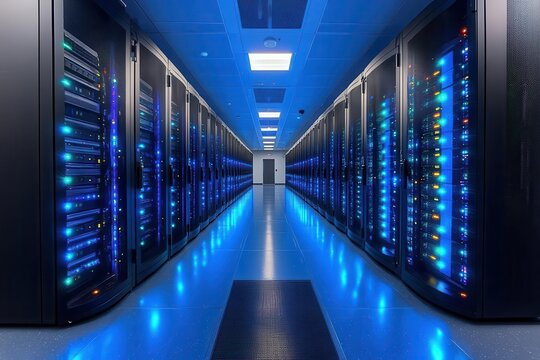
The Lumen Level That Actually Works
Here’s where experience contradicts the “brighter is better” instinct: most data center aisles are overlit.
The IES recommendation for server rooms is 500-750 lux on the finished floor. I’ve visited facilities spec’d at 1000+ lux that were actually harder to work in because the bright ceiling fixtures created glare on server LCD panels and made it difficult to read status indicators.
The practical spec:
– Cold aisle: 500-750 lux (verify with your client’s operations team—some prefer lower)
– Warm aisle: 300-500 lux
– Control rooms and NOC spaces: 750-1000 lux
– Storage and support areas: 300-500 lux
The goal is sufficient light to read labels, identify cables, and spot anomalies without creating visual fatigue during 12-hour shifts or blinding reflections on server interfaces.
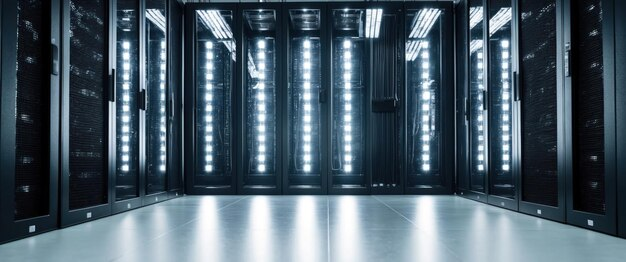
Color Temperature: The 4000K Sweet Spot
Data center lighting color temperature recommendations have evolved:
- 5000K-6500K: Common in older facilities, but creates a clinical, stressful atmosphere during extended operations
- 4000K: The current standard for new construction and retrofits—neutral enough for accurate color rendering, warm enough to reduce fatigue
- Tunable white: Increasingly specified in modern NOC environments to match lighting to shift schedules
For most data centers, 4000K is the right answer. The slight warmth reduces the “hospital corridor” effect that fatigues night-shift operators while maintaining sufficient color accuracy for cable identification and status reading.

Flicker: The Spec Requirement Nobody Talks About
This is the issue that causes more data center lighting problems than any other—and it’s almost never specified.
LED flicker is ubiquitous. Most commercial fixtures flicker at 100-120Hz (twice line frequency), and while this is imperceptible to most people, it creates three problems in data centers:
- Camera interference: Security cameras, infrastructure monitoring cameras, and documentation cameras all capture flicker, making footage unusable
- Stroboscopic effect: Under flickering light, rotating fans and moving components appear stationary or slow—creates safety hazards during maintenance
- Eye strain: Maintenance technicians working under flickering lights for 8-12 hour shifts experience faster fatigue and higher error rates
The spec requirement that fixes this: Request flicker percentage below 5% at 100Hz (IEEE 1789 compliant). Most quality LED drivers specify <10% flicker. Premium drivers with active power factor correction achieve <3%.
Don’t accept “low flicker” without documentation. Ask for the driver’s dimming test report showing flicker percentage across the operating range.
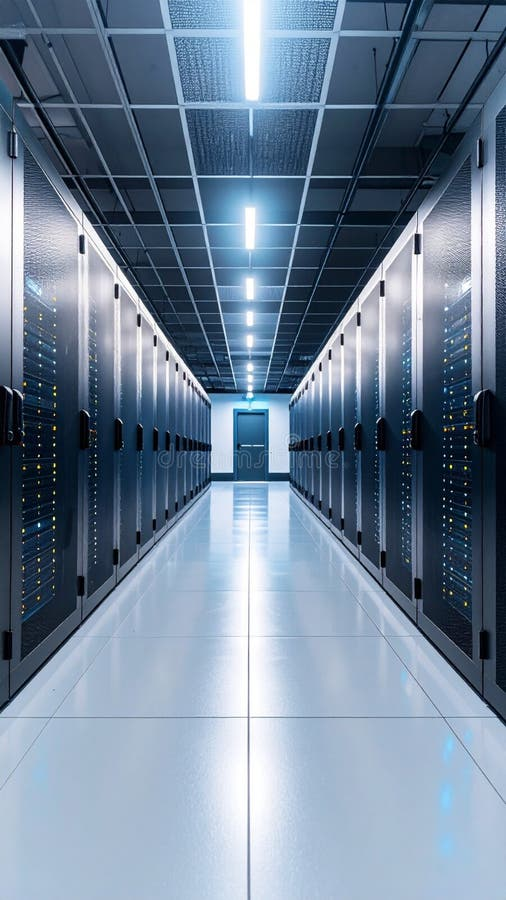
Controls: The Intelligence That Earns Its Cost
Smart lighting controls in data centers serve two purposes: energy reduction and operational integration.
What’s deployable today:
- Occupancy-based dimming in low-traffic areas (storage, rest rooms, support spaces)
- Scheduled dimming during non-operational hours (maintenance windows, off-peak periods)
- Daylight harvesting where windows or skylights exist
- Integration with building management systems via BACnet or Modbus
- Scene control for NOC environments (day/night/shift-specific presets)
What remains problematic:
- Fixture-level network control with IT network integration (security concerns)
- Presence detection in active server aisles (false triggers from server fans)
- Wireless controls in EMI-heavy environments (reliability issues)
The practical recommendation: Specify 0-10V dimming capability as baseline, with DALI as the preferred protocol for NOC and control room spaces. Reserve IP-based controls for support areas only.
Maintenance Reality: Why Linear Fixtures Win
Data center lighting maintenance isn’t like other commercial facilities. It’s constrained by:
- Access restrictions: Most data centers require escort or specific access protocols
- Maintenance windows: Actual maintenance typically limited to off-peak hours
- Risk aversion: Any work in the plenum requires careful coordination with critical infrastructure
- Staffing: Often minimal facilities staff, maximum reliance on contractors
Linear LED fixtures win the maintenance argument for three reasons:
- Predictable failure modes: Linear fixtures typically lose output gradually rather than failing catastrophically
- Modular drivers: Driver replacement takes minutes rather than fixture replacement
- Available form factors: Linear fixtures fit standard T-bar and flange mounting systems already in most data centers
The preference for decorative or architectural fixtures in data center common areas (lobbies, conference rooms) is understandable. In the white space (server areas)? Linear fixtures are the professional choice.
EMI Considerations for Sensitive Spaces
Electromagnetic interference from lighting systems is a legitimate concern in data centers, particularly near sensitive measurement equipment or in facilities with strict EMC requirements.
The practical mitigation:
- Specify fixtures with EMI filtering below CISPR 15 limits
- Verify driver electromagnetic emissions meet FCC Part 18 for ISM equipment
- Consider magnetic ballasts (yes, they’re less efficient) for extremely EMI-sensitive areas
- Maintain minimum separation distances between lighting and sensitive equipment per manufacturer guidelines
For most commercial data centers, standard FCC-compliant fixtures are adequate. For healthcare, government, or financial facilities with stricter EMC requirements, include EMI specifications in your RFQ and verify with the manufacturer.
The Energy Code Reality
ASHRAE 90.4 (Data Centers) andASHRAE 90.1 (Commercial Buildings) both apply, and they differ in their treatment of lighting power.
ASHRAE 90.4, specifically developed for data centers, allows higher lighting power density in white space because it recognizes that task lighting requirements are higher near racks. IECC follows 90.1.
The complication: Some jurisdictions haven’t adopted 90.4 yet. Others have requirements that conflict between the two standards.
Verify compliance path with your local authority having jurisdiction before specifying fixture quantities. Getting this wrong creates a permit issue that surfaces during final inspection.
What Your RFQ Should Include
Every data center lighting specification should cover:
Fixture requirements:
– Lumen output appropriate to area type (verify with operations team)
– Color temperature: 4000K standard, tunable white for NOC optional
– Flicker <5% at 100Hz (IEEE 1789 compliant)
– CRI minimum 80
– Driver mean time between failure 50,000+ hours
– IP rating appropriate to space type
Controls requirements:
– Dimming protocol (0-10V standard, DALI preferred)
– Integration capability with BMS (BACnet/Modbus)
– Scene capability for multi-mode spaces
– Occupancy sensor compatibility in support areas
Documentation requirements:
– IES files for all fixtures
– LM-79 photometric test reports
– Driver specifications including flicker data
– EMI test results (FCC Part 15/18 compliance)
– Warranty terms and RMA procedures
Data center lighting is specialized work. The fixtures that survive other commercial environments fail prematurely in server rooms. Get the specification right upfront and you build infrastructure that serves the facility for a decade. Get it wrong and you’re explaining to your client why their “20-year lighting system” needs replacement in five.
Browse YoubeeLight’s commercial LED catalog for data center and industrial LED solutions, or contact our team for project-specific specifications.
